
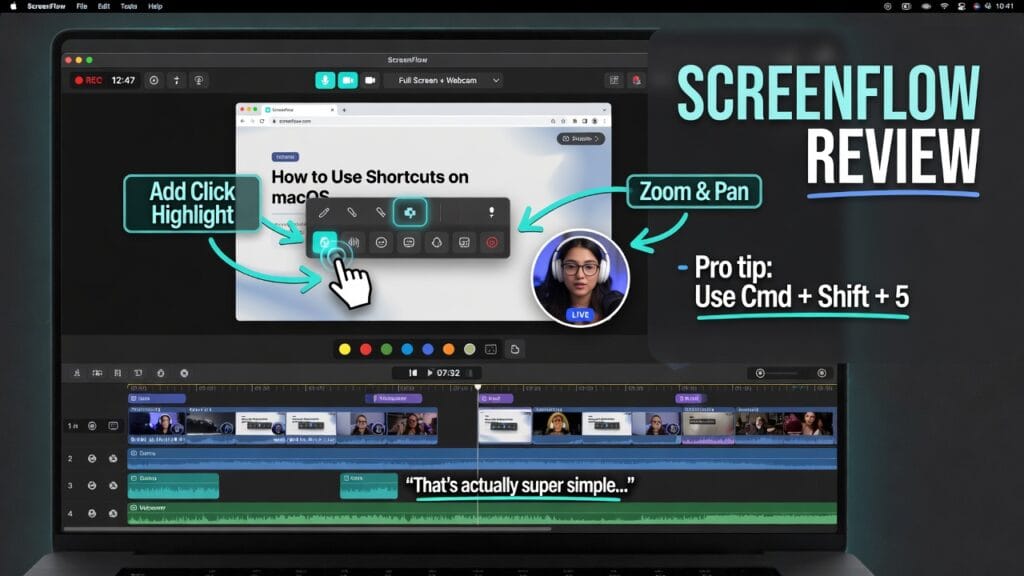
Let’s be honest.
Some software is built for massive pro studios. Some software is built for people who just want to record their screen, clean it up, add a webcam box, throw in some text, and move on with their life.
ScreenFlow is very much in that second lane.
And that’s not an insult.
So here’s the real question:
Is ScreenFlow actually worth using in 2026, or is it just one of those Mac creator tools people keep around because it feels familiar?
Short answer: yeah, it’s worth it if your life involves tutorials, demos, courses, walkthroughs, screen recording, or polished talking-head/screen-share videos on Mac. Telestream positions ScreenFlow as video editing and screen recording software for Mac for making software demos, professional video tutorials, presentations, and training content. The current version history page lists ScreenFlow 10.5.2 as the current version.
The quick answer
If you want the blunt version before we get into it:
- Yes, ScreenFlow is worth it for a lot of Mac-based creators.
- It makes the most sense for tutorial creators, course builders, software demo people, educators, trainers, and YouTubers who do screen-based content.
- It’s probably not the best fit if you want a full-blown cross-platform pro editor or if you don’t work on Mac.
That’s the clean version.
What ScreenFlow actually is
ScreenFlow is a Mac-focused screen recording and video editing tool. Telestream’s official overview says it’s built for recording high-quality screen content and editing it in an easy-to-use interface for tutorials, demos, presentations, and training videos. The version history page also says it supports Apple Silicon and Intel-based Macs running newer macOS versions.
In normal-person language:
ScreenFlow is for people who make “look at my screen while I explain this” content and want it to look clean without turning every project into a full post-production war.
That’s why it still has a lane.
What ScreenFlow does well
This is where ScreenFlow makes sense.
1. It is built for screen recording first
This is the big thing.
A lot of editors can handle screen recordings. ScreenFlow is built around them. Telestream’s own page makes that really clear: the software is centered on high-quality screen recording plus an editing workflow made for demos, tutorials, and walkthroughs.
That matters because when your main job is recording your screen, teaching something, or showing a workflow, you don’t always need the heaviest editor on earth. You need the right tool.
2. It feels practical, not bloated
Telestream explicitly sells ScreenFlow on the idea that you can:
- capture high-quality screen recordings
- edit with an easy-to-use interface
- make software demos, iPhone demos, tutorials, presentations, and training content
That’s actually a pretty strong pitch.
Because not everybody wants a giant editing suite just to make a course lesson or a product walkthrough.
3. It has built-in stock media options
ScreenFlow’s overview page says it offers a built-in Stock Media Library, and Telestream says for $99/year you can access millions of images, audio clips, video clips, motion backgrounds, and royalty-free tracks from inside the app.
That’s useful if you do a lot of tutorials or explainer content and want quick filler visuals without jumping all over the internet like a maniac.
What kind of user ScreenFlow is best for
ScreenFlow makes the most sense for:
- educators
- course creators
- tutorial creators
- software demo people
- Mac-based YouTubers
- corporate trainers
- anyone making polished screen-share content regularly
Basically:
if your content lives on your screen, ScreenFlow has a very real lane.
If your content is more cinematic, team-based, or deeply post-production-heavy, that lane gets narrower.
What sucks about ScreenFlow
Now for the part where we stop pretending it’s flawless.
1. It’s Mac-focused
This is the obvious one.
ScreenFlow is a Mac product. Telestream’s version history and tech pages center it on Apple Silicon and Intel-based Macs. If you’re on Windows, this is not your tool.
So right away, that limits who it makes sense for.
2. It’s not the cheapest thing in the world
Telestream’s store page lists ScreenFlow at $199, and the stock media library is a separate $99/year add-on if you want it. Support pages also mention Premium Support for $59/year.
That doesn’t make it bad.
It just means it’s not the “totally free forever” hero option.
3. Major upgrades are not always free
Telestream’s tech specs page says users typically pay for new major versions, and its upgrade page shows paid upgrade pricing for older versions moving to ScreenFlow 10.
So if you like buying software once and never thinking about upgrades again, that’s something to keep in mind.
The pricing situation
Here’s the clean version of the current pricing picture:
- ScreenFlow starts at $199
- Stock Media Library is $99/year
- Premium Support is $59/year
- major version upgrades may cost extra depending on your version history
So the pricing question is not really:
“Is ScreenFlow free?”
Because it’s not.
The real question is:
“Do I make enough tutorial, demo, or screen-based content for a Mac-first tool like this to save me time?”
For the right user, the answer is yes.
So is ScreenFlow worth it?
Yeah — for the right person, absolutely.
ScreenFlow is worth it for:
- Mac creators
- educators
- course builders
- software demo creators
- tutorial-heavy YouTubers
- people who want a cleaner screen-recording workflow than a generic editor gives them
It’s probably not worth it for:
- Windows users
- people who barely do screen recording
- editors who want broader pro post-production features first
- users who only want a free tool
My honest verdict
ScreenFlow is one of those tools that makes more sense the more specific your workflow is.
Not because it’s flashy.
Not because it’s trying to be the biggest editing platform in the world.
And definitely not because Telestream is pretending it’s some revolutionary art machine.
It’s strong because it’s built for a very real creator job: record the screen, explain the thing, make it look clean, and get on with your day. Telestream’s own product pages keep pointing right at that use case, and honestly, that’s why the tool still has value.
So here’s the clean verdict:
Use ScreenFlow if:
- you’re on Mac
- you make tutorials, demos, or courses
- screen recording is a real part of your work
- you want a focused workflow for that type of content
Skip ScreenFlow if:
- you’re on Windows
- you want a free tool
- you need a broader all-purpose pro editor first
- screen recording is only a tiny part of what you do
Final thoughts
ScreenFlow is not trying to be everything.
And honestly, that’s part of why it works.
If your job is explaining things on screen and making them look polished, it still deserves a real look. If not, there are broader tools that probably make more sense for your world.