
Let’s be honest.
Audacity is one of those programs that feels like it has been around since the beginning of the internet, sitting there quietly while every other app tries to reinvent itself with subscriptions, AI buzzwords, and 400 buttons nobody asked for.
And yet, people still use it.
A lot.
So here’s the real question:
Is Audacity actually worth using in 2026, or is it just free software people keep recommending because they refuse to move on?
Short answer: yeah, Audacity is still worth using — especially if you need free audio recording and editing without paying monthly just to cut a voice track. Audacity describes itself as a free, open-source, multi-track audio editor and recorder for Windows, macOS, GNU/Linux, and other operating systems.
The quick answer
If you want the blunt version:
- Yes, Audacity is worth using if you need basic-to-solid audio editing for free.
- It’s especially good for podcasts, voiceovers, simple music edits, audio cleanup, and recording.
- It’s probably not the best fit if you want a slick modern interface, advanced music production, or a full professional DAW.
That’s the clean version.
What Audacity actually is
Audacity is a free audio editor and recorder. The official site says it’s for recording, editing, mixing, and enhancing audio, and the FAQ calls it the world’s most popular free software for recording and editing audio.
In normal-person language:
Audacity is the tool you open when you need to fix audio and you don’t feel like paying a company every month for the privilege of trimming silence.
It is not glamorous.
It is not sexy.
But it gets work done.
What Audacity does well
1. It is actually free
This is still Audacity’s biggest flex.
The official FAQ says Audacity has always been and will always remain free for everyone.
That matters because audio software can get expensive fast. If you’re starting a podcast, cleaning voiceovers, recording simple audio, or doing basic edits, free is not just nice. It’s powerful.
2. It works on the major platforms
Audacity is available for Windows, macOS, and GNU/Linux, which makes it a safe recommendation for a lot of people.
That cross-platform support is a big deal.
You don’t have to be on Mac.
You don’t have to be on Windows.
You don’t have to join some software religion just to remove background noise.
3. It handles practical audio work well
Audacity is good for:
- recording voice
- editing podcasts
- trimming audio
- mixing tracks
- cleaning up mistakes
- exporting common audio files
- making simple audio edits fast
Its feature pages also highlight things like recording, mixing, pitch shifting, and general audio editing features.
That’s the real lane here.
Audacity is not trying to be the fanciest studio in the world. It’s trying to be the free tool that helps you fix the audio problem sitting in front of you.
What kind of user Audacity is best for
Audacity makes the most sense for:
- podcasters
- YouTubers
- voiceover beginners
- students
- hobby musicians
- people cleaning audio
- anyone who needs free audio editing
Basically:
if you need to edit sound and don’t want to pay yet, Audacity is still one of the easiest recommendations on earth.
What sucks about Audacity
Now, let’s not act like it’s perfect.
1. The interface is not exactly luxury
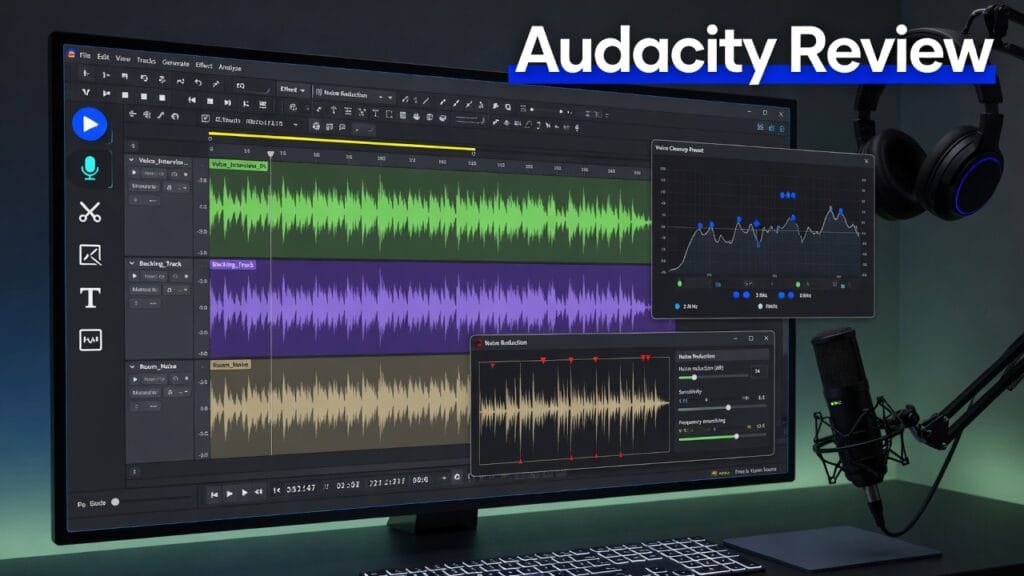
Audacity works, but it does not feel like some shiny modern creator app.
It feels more like:
“here are the tools, figure it out, champ.”
That is not always bad. But if you’re coming from polished modern apps, Audacity can feel a little old-school.
2. It is not a full music production beast
Audacity can handle audio editing and recording, but it is not the same thing as a full professional DAW like Logic Pro, Ableton Live, FL Studio, or Pro Tools.
So if your goal is serious music production with instruments, MIDI, loops, automation, and a full studio workflow, Audacity may not be enough.
3. Free does not mean effortless
Audacity is powerful for the price, but you still need to learn what you’re doing.
Noise reduction, levels, clipping, EQ, compression — these things still matter. Audacity gives you tools. It does not magically make bad audio sound like Morgan Freeman in a velvet room.
The pricing situation
This part is easy:
Audacity is free.
The official FAQ says it has always been and will always remain free for everyone.
No monthly bill.
No “unlock export.”
No watermark nonsense.
That alone gives Audacity a huge advantage for beginners and budget-conscious creators.
So is Audacity worth it?
Yeah — absolutely.
Audacity is worth it for:
- basic audio editing
- podcast cleanup
- voice recording
- simple music edits
- free audio projects
- creators who need something reliable without spending money
It’s probably not worth it for:
- advanced music producers
- people who want a sleek modern interface
- users who need a full professional DAW
- anyone who wants the software to do all the thinking
My honest verdict
Audacity is still one of the best free software tools around.
Not because it’s pretty.
Not because it feels cutting-edge.
And definitely not because it’s trying to impress you with fancy marketing.
It’s strong because it is free, open-source, cross-platform, and genuinely useful for recording and editing audio.
So here’s the clean verdict:
Use Audacity if:
- you need free audio editing
- you record podcasts or voiceovers
- you want basic cleanup tools
- you don’t want another subscription
Skip Audacity if:
- you want a full music production suite
- you need the smoothest modern interface
- you want pro-level DAW workflows
- you hate old-school software vibes
Final thoughts
Audacity is not fancy.
But that’s kind of the point.
It’s free, practical, and still useful in 2026. If you need to record or edit audio without spending money, Audacity deserves a spot on the list.
Sometimes the best tool is not the flashiest one.
Sometimes it’s just the one that works and doesn’t ask for your credit card every 30 days.