Let’s be honest.
A lot of “AI tool comparisons” on the internet are written like the person making them has never actually tried either tool and is just out here freelancing paragraphs for dear life.
That’s not what this is.
If you’re deciding between Canva AI and InVideo, you’re probably not looking for a TED Talk. You want to know one thing:
Which one is actually better for making content without wasting your time?
Because both of these tools are trying to sell you the same dream:
make content faster, easier, prettier, and with less suffering.
And to be fair, both of them can help.
But they are not the same kind of tool, and that’s where a lot of people get confused. Comparing Canva AI to InVideo is a little like comparing a Swiss Army knife to a power drill. Yeah, both are useful. No, I would not use them the same way unless I was actively trying to ruin my afternoon.
So here’s the real breakdown.
The Quick Answer
If you want the blunt version:
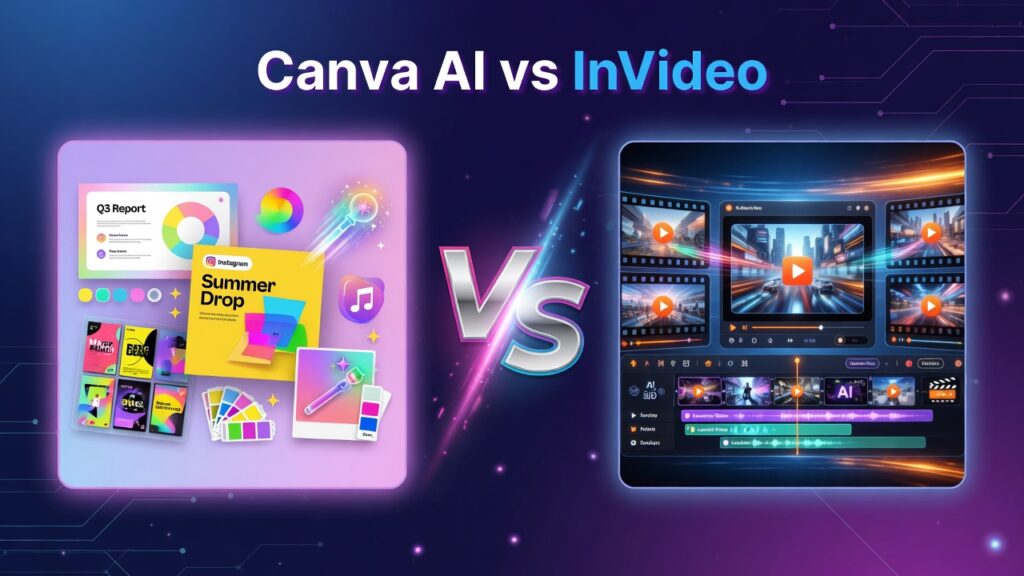
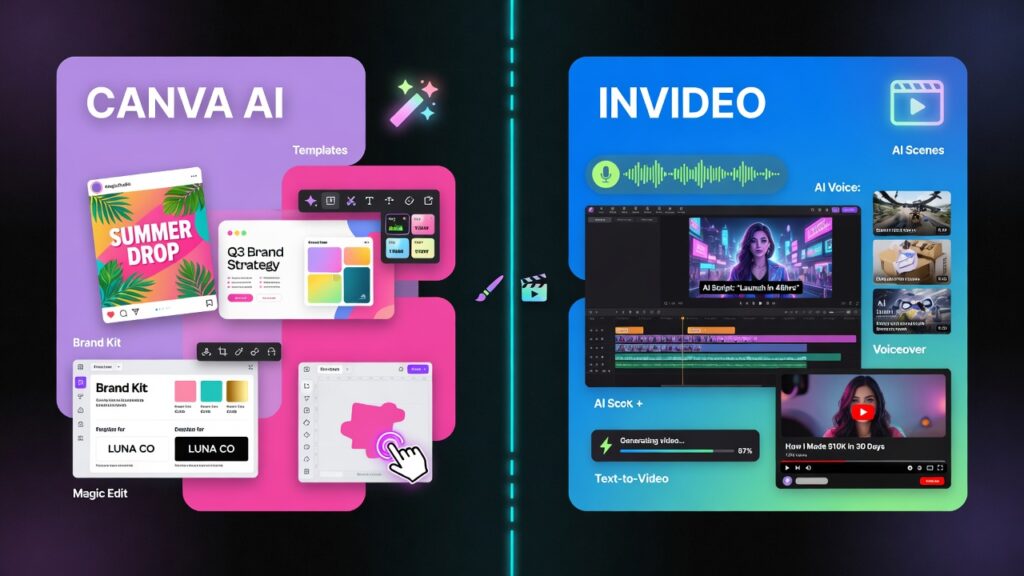
- Canva AI is better for general content creation, design, social posts, presentations, and quick visual work.
- InVideo is better for fast AI-assisted video creation, especially if you want full scenes, voiceover, and a more video-first workflow.
So right away, this is less about “which one is better overall?” and more about:
What are you actually trying to make?
Because if you’re trying to make YouTube-style videos, Canva is not beating InVideo.
And if you’re trying to make branded graphics, thumbnails, carousels, presentations, and general visual content, InVideo is not exactly storming that castle either.
That’s the real story.
Canva AI: The Better All-Around Content Tool
Canva has become one of those tools that quietly took over the internet while everybody pretended they were just using it for “a quick graphic.”
Now with AI features added in, Canva is even more of a content machine.
What makes Canva AI strong is that it’s built around general creative productivity. It’s not just one thing. It helps with:
- graphics
- presentations
- social media posts
- thumbnails
- marketing materials
- documents
- quick design mockups
- light AI writing
- image generation
- background removal
- and all the other random things creators suddenly need at 11:42 PM
That flexibility is Canva’s superpower.
It’s easy to use, fast to understand, and doesn’t make you feel like you need a seminar just to resize a thumbnail.
Where Canva AI wins
- Better for general design and content creation
- More useful across different creator tasks
- Great for thumbnails, posts, carousels, and presentations
- Easier for beginners
- Better if you want one tool that does a lot of things reasonably well
Where Canva AI can annoy you
Sometimes it can feel a little too templated.
Sometimes the AI features feel more like “helpful add-ons” than some mind-blowing creative revolution.
And if you’re trying to make polished, scene-based videos fast, you start to feel where its limits are.
Basically, Canva is versatile — but video is not its deepest bag.
InVideo: Built for People Who Want Videos Fast
InVideo is much more focused.
This is not really a “do everything” design platform. It’s a video-first tool, and that matters.
If Canva AI is the broad creative toolbox, InVideo is the guy yelling:
“Cool, but are we making the video or what?”
That focus makes it useful.
InVideo is built for turning ideas, prompts, scripts, and concepts into actual video content without having to manually edit every little clip like you’re in a film school montage.
It’s especially useful for people making:
- YouTube videos
- faceless videos
- short explainers
- promo videos
- social clips
- AI-narrated content
- and quick content where speed matters more than being Spielberg
Its biggest strength is that it tries to carry more of the video workload for you.
That includes:
- scene generation
- stock footage matching
- script-to-video workflow
- AI voiceover options
- automated pacing
- and a more video-native setup overall
Where InVideo wins
- Better for AI-assisted video creation
- Faster for turning scripts into actual videos
- Better for faceless content and YouTube-style workflows
- More focused if video is your main thing
- Usually gets you to “finished video” faster than Canva
Where InVideo can annoy you
Sometimes the footage choices can feel generic.
Sometimes the pacing needs cleanup.
Sometimes you still have to wrestle it a bit to get exactly what you want.
And if you go in expecting flawless one-click movie magic, reality is going to slap you right across the face.
Still, for speed and video-first output, it has a real lane.
Which One Is Better for YouTube Creators?
This one is pretty straightforward.
If your goal is:
- faceless YouTube videos
- quick explainers
- AI-narrated content
- turning scripts into video fast
InVideo wins.
That’s what it’s built for.
Canva can help with YouTube too, sure — especially for:
- thumbnails
- channel graphics
- quick visual assets
- basic editing
But if the actual job is making the video, InVideo is the stronger tool.
So for YouTube creators, I’d frame it like this:
- Canva AI = supporting player
- InVideo = actual starter
And no disrespect to Canva. It’s just not trying to be the same thing.
Which One Is Better for Social Media and Brand Content?
This is where Canva comes back swinging.
If you’re making:
- Instagram posts
- carousels
- story graphics
- brand kits
- promo graphics
- simple visual campaigns
- lead magnets
- presentations
- digital products
Canva AI is the better choice.
It’s easier, broader, and much better for mixed-format content.
This is where Canva feels like a creator’s home base. You can jump from a post design to a presentation to a thumbnail to a PDF without feeling like you just switched planets.
InVideo is too specialized to win this category.
So if your work is more brand/content/design-heavy than video-heavy, Canva makes more sense.
Which One Is Easier to Use?
Honestly, Canva.
Canva is one of those tools that basically says:
“Come on in, we already laid everything out for you.”
It’s familiar. It’s friendly. It’s smooth. It doesn’t usually make you feel stupid.
That matters more than people admit.
InVideo isn’t hard exactly, but it’s more specific. The workflow is more focused on video generation and editing, which means you’re naturally dealing with more moving parts.
So for pure ease of use:
- Canva wins
- especially for beginners
- especially if you’re doing lots of different content types
Which One Saves More Time?
This depends entirely on what you’re making.
If you need:
- graphics
- posts
- thumbnails
- visual assets
- branded content
Canva saves more time.
If you need:
- actual videos
- script-to-video content
- AI voiceover videos
- fast faceless video production
InVideo saves more time.
This is why I keep saying the comparison only makes sense if you define the job first.
Because neither tool is “faster” in a vacuum.
The faster one is the one built for the thing you need right now.
Crazy concept, I know.
Which One Feels Better as an AI Tool?
If we’re talking strictly about the AI side of things, I’d say InVideo feels more dramatic because its AI features are tied directly to building videos, which is a more obvious “wow” moment.
You type something in and get scenes, narration, footage, motion — it feels like something happened.
Canva AI is useful, but it can feel more subtle. More like:
- smart helpers
- design assistance
- writing support
- image generation
- cleanup tools
That doesn’t make Canva weaker overall. It just means the AI feels more woven into the platform instead of being the whole show.
So:
- InVideo AI feels more obvious
- Canva AI feels more integrated
Depends what you prefer.
My Honest Verdict
If I had to choose just one for general creator life, I’d probably choose Canva AI.
Why?
Because most creators do not only make videos.
They also need:
- thumbnails
- graphics
- brand visuals
- PDFs
- social content
- promo assets
- quick mockups
- random internet survival materials
And Canva handles that wider world better.
But if I were specifically choosing a tool for:
making videos quickly with AI help,
then I’d choose InVideo without much hesitation.
So the real verdict is:
Choose Canva AI if:
- you want a broader creator tool
- you make graphics, posts, thumbnails, presentations, and design assets
- you want something easy and flexible
- you like having one central content tool
Choose InVideo if:
- your main goal is video creation
- you make faceless content or YouTube-style videos
- you want script-to-video speed
- you care more about getting video done fast than doing everything else too
Final Thoughts
This isn’t really a battle where one tool completely humiliates the other.
It’s more like two tools showing up for different jobs and the internet trying to force them into the same boxing ring for entertainment.
Canva AI is better for broad creative work.
InVideo is better for AI-assisted video production.
That’s the clean answer.
So don’t overcomplicate it.
If you mostly make visuals, go Canva.
If you mostly make videos, go InVideo.
And if you’re trying to use Canva as a full InVideo replacement or InVideo as your all-purpose design headquarters… that’s on you, my friend.