
Let’s be honest.
Adobe Lightroom is one of those apps photographers talk about like it’s both their best friend and their monthly bill hostage situation.
And honestly, both things can be true.
Lightroom is powerful. It’s clean. It’s built for organizing and editing photos without making every image feel like a surgical operation. But it also lives inside Adobe’s subscription universe, which means every review has to answer the same annoying question:
Is Adobe Lightroom actually worth paying for in 2026, or are you just renting photo sliders forever?
Short answer: yeah, Lightroom is worth it if photo editing and organization are a real part of your workflow. Adobe positions Lightroom as a photo editor and organizer across desktop, web, and mobile, and Creative Cloud’s photography plans still put Lightroom right at the center of Adobe’s photo workflow.
The quick answer
If you want the blunt version:
- Yes, Lightroom is worth it for photographers, creators, and anyone editing lots of photos.
- It’s especially good for photo organization, color grading, batch editing, presets, cloud syncing, and mobile-to-desktop workflows.
- It’s probably not worth it if you only edit one photo every three months and hate subscriptions with your entire soul.
That’s the clean version.
What Adobe Lightroom actually is
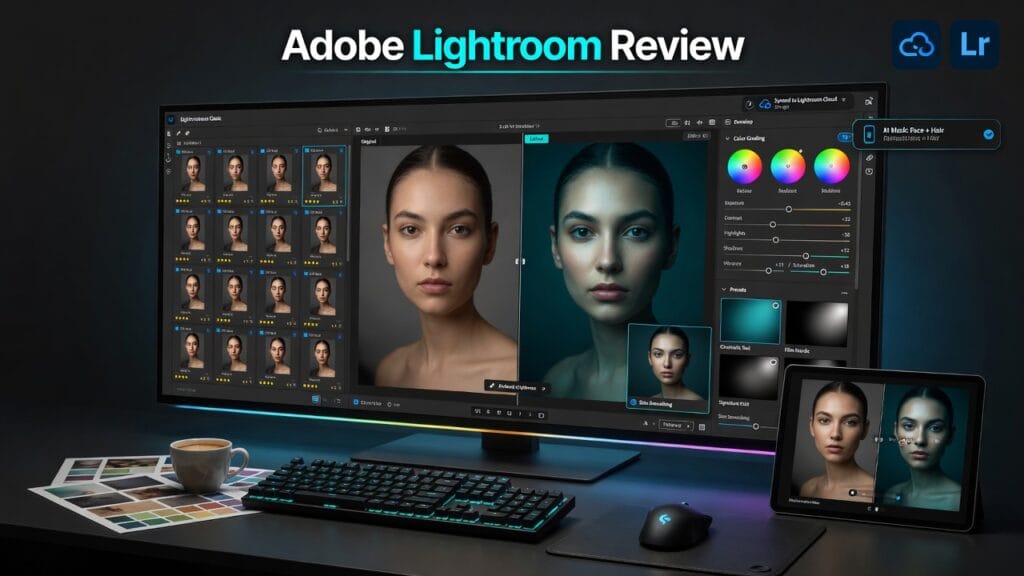
Lightroom is Adobe’s photo editing and photo management software. The big idea is simple: it helps you import, organize, edit, sync, and export photos without turning every image into a giant Photoshop project.
Adobe’s Creative Cloud page describes Creative Cloud as covering photography, graphic design, video editing, UX design, drawing, painting, social media, and more. It also lists a Photography plan separately from full Creative Cloud Pro, which is where Lightroom usually makes the most sense for most photo-focused users.
In normal-person language:
Lightroom is where you go when you need to make a bunch of photos look better without losing your mind.
What Lightroom does well
1. It is built for photo workflow, not just photo editing
This is the big difference.
Photoshop is amazing when you need deep image manipulation. Lightroom is better when you need to deal with lots of photos.
That means:
- sorting images
- rating photos
- applying presets
- syncing edits
- adjusting color
- exporting batches
- keeping your photo library from becoming a crime scene
That’s the reason Lightroom is still a big deal.
2. The editing tools are strong without being intimidating
Lightroom gives you the stuff most photographers actually touch all the time:
- exposure
- contrast
- highlights
- shadows
- white balance
- color grading
- sharpening
- noise reduction
- masking
- presets
It’s powerful enough to matter, but not so complicated that every photo edit feels like you’re trying to defuse a bomb.
That balance is why creators stick with it.
3. It works well across devices
Adobe’s Creative Cloud ecosystem is one of Lightroom’s biggest selling points. Creative Cloud covers apps, web services, libraries, and cloud-connected workflows across devices, and the Photography plan exists specifically for photo-focused users.
That matters if you shoot on the go, edit on mobile, finish on desktop, or move between devices a lot.
Lightroom is not just an editor. It’s a whole photo workflow.
What kind of user Lightroom is best for
Lightroom makes the most sense for:
- photographers
- content creators
- social media creators
- YouTubers who shoot thumbnails/photos
- small business owners editing product photos
- anyone managing a large photo library
Basically:
if photos are part of your actual work, Lightroom is still one of the safest picks.
If you just need to crop a meme, please do not overcomplicate your life.
What sucks about Lightroom
1. It’s a subscription
This is the obvious one.
Adobe’s Creative Cloud pricing page says single-app plans start at US$9.99/month, the Photography plan is US$19.99/month, and Creative Cloud Pro is higher depending on plan and promotions.
So no, Lightroom is not one of those “buy once and disappear into the sunset” tools.
You’re paying Adobe monthly, and Adobe is very good at making sure you remember that.
2. It may be overkill for casual users
If you only edit a few photos here and there, Lightroom might be more tool than you need.
There are simpler apps. There are free apps. There are phone apps that can handle basic edits just fine.
Lightroom makes the most sense when you edit enough photos for workflow to matter.
3. Adobe’s ecosystem can feel like a lot
This is the Adobe tradeoff.
The ecosystem is powerful, but it can also feel like you walked into a shopping mall where every store is owned by the same company and somehow they all want your card.
Lightroom is great if you want that integrated Adobe workflow.
Less great if you want something lighter and simpler.
The pricing situation
Adobe’s Creative Cloud pricing currently lists:
- single app plans starting at US$9.99/month
- a Photography plan at US$19.99/month
- Creative Cloud Pro at a higher monthly price, depending on current promotions and billing terms.
So the real question is not:
“Is Lightroom free?”
It’s:
“Do I edit and organize enough photos for Lightroom to be worth paying for?”
For photographers and serious creators, yes.
For casual users, maybe not.
So is Adobe Lightroom worth it?
Yeah — for the right person, absolutely.
Lightroom is worth it for:
- photographers
- content creators
- people editing lots of images
- anyone who needs organization plus editing
- users who want a clean photo workflow across devices
It’s probably not worth it for:
- people who barely edit photos
- users who hate subscriptions
- anyone who only needs basic image touchups
- creators who want a completely free photo editor
My honest verdict
Lightroom is still one of the best photo workflow tools out there.
Not because Adobe is cheap.
Not because subscriptions are fun.
And definitely not because every creator wakes up excited to manage cloud storage.
It’s strong because it solves a real problem: photos pile up fast, and editing them one by one in a messy workflow is painful.
Lightroom keeps that whole process cleaner.
So here’s the verdict:
Use Lightroom if:
- you edit photos regularly
- you care about color and consistency
- you need presets, organization, and batch workflows
- you want a photo editor that works across devices
Skip Lightroom if:
- you barely edit photos
- you want free software
- you hate subscriptions
- you only need quick casual edits
Final thoughts
Lightroom is not perfect.
But it’s still extremely useful.
If photography, thumbnails, product images, social content, or visual branding are part of your work, Lightroom can absolutely earn its place.
If not, then yeah — renting photo sliders forever might be a little dramatic.