
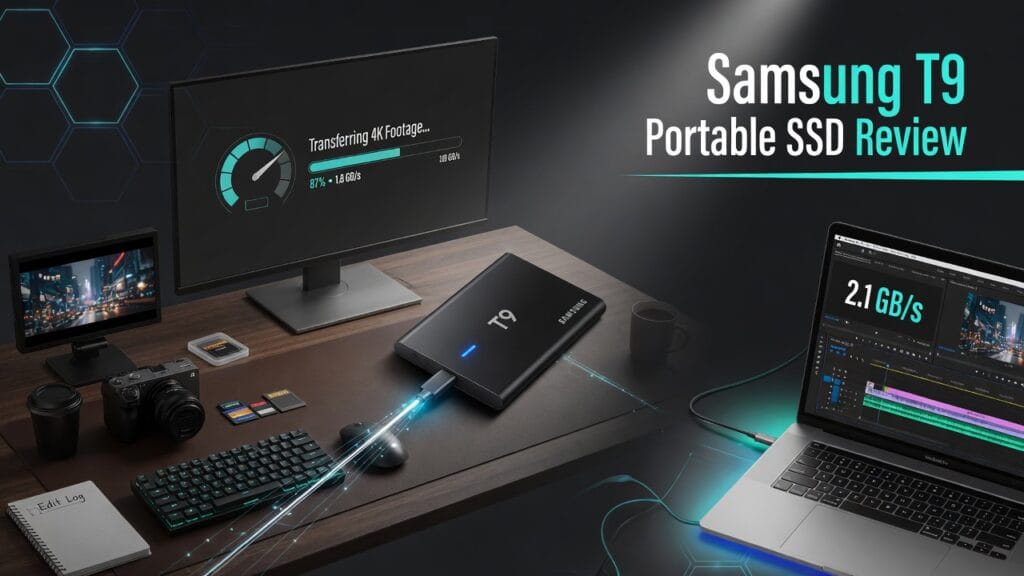
Let’s be honest.
External SSDs are one of those products people only get excited about after they’ve suffered.
Maybe a drive was too slow.
Maybe they ran out of space mid-project.
Maybe moving a giant video folder felt like waiting for civilization to reboot.
That’s where the Samsung T9 Portable SSD comes in.
So here’s the real question:
Is the Samsung T9 actually worth buying, or is it just another black rectangle promising “fast performance” like every other storage product on earth?
Short answer: yeah, it’s worth it for a lot of creators and power users. Samsung positions the T9 around USB 3.2 Gen 2×2, up to 2,000MB/s read and write speeds, Dynamic Thermal Guard, and rugged durability with drop resistance up to 9.8 feet. Samsung also sells it in 1TB, 2TB, and 4TB capacities. 【turn769918search0†L1-L8】【turn769918search0†L23-L31】【turn769918search3†L1-L8】
The quick answer
If you want the blunt version first:
- Yes, the Samsung T9 is worth it if you move large files, edit media, back up important work, or just want fast portable storage that doesn’t feel cheap.
- It makes the most sense for video editors, photographers, creators, and laptop users who deal with big files.
- It’s probably not worth it if you just need the absolute cheapest storage option and don’t care much about speed.
That’s the clean version.
What the Samsung T9 actually is
The Samsung T9 is a portable external SSD built for faster transfer speeds than older mainstream portable drives. Samsung says it’s the company’s first portable SSD with a USB 3.2 Gen 2×2 interface and up to 2,000MB/s sequential read and write speeds. Samsung also says that under the right conditions it can transfer a 4GB file in about two seconds. 【turn769918search6†L1-L5】【turn769918search9†L1-L5】
In normal-person language:
It’s for people who are tired of waiting around while giant files crawl from one device to another.
That’s a pretty strong lane.
What it does well
1. The speed is the main reason to care
This is the big one.
Samsung’s official pages put the T9 at up to 2,000MB/s read and 2,000MB/s write. That’s the whole point of this drive. 【turn769918search0†L1-L8】
Because let’s be real:
portable storage is only “portable” in a useful sense if it doesn’t make your workflow painfully slow.
If you’re moving:
- 4K video
- photo libraries
- project files
- game captures
- big exports
- backups
then speed matters a lot.
And the T9 is clearly built around that.
2. It feels aimed at creators, not just random storage buyers
Samsung’s own launch messaging says the T9 is meant to help professionals with “exceptional performance and data reliability,” and it specifically calls out creative workflows and big-file productivity. 【turn769918search6†L1-L5】
That makes sense.
Because this is exactly the kind of product that fits:
- editors working off external drives
- photographers dumping large shoots
- creators moving files between machines
- laptop users who need more fast storage without opening up the machine
Basically:
if your files are heavy, the T9 starts making sense very quickly.
3. It’s rugged enough to not feel fragile
Portable storage should not feel like one sad drop away from emotional damage.
Samsung says the T9 has rugged durability and can endure drops of up to 9.8 feet. 【turn769918search0†L23-L31】
That doesn’t mean you should start throwing it around like you’re testing gravity for YouTube content.
But it does mean it feels more reassuring than a product that seems like it might lose consciousness if it falls off the desk.
4. The thermal management is a real selling point
Samsung highlights Dynamic Thermal Guard as one of the key product features. 【turn769918search0†L23-L31】
That matters because fast storage that overheats and throttles is annoying.
The whole point of buying a faster drive is to stay fast, not to get one nice burst of speed and then watch it calm itself down like a tired dog.
Who it’s best for
The Samsung T9 makes the most sense for:
- video editors
- photographers
- creators
- MacBook and laptop users
- people backing up big projects
- users who move large files regularly
- anyone who wants faster external storage without getting weird about enterprise gear
Basically:
if you deal with large files often, this drive has a real lane.
What sucks about it
Now for the part where we stop pretending everything is perfect.
1. You only get full speed if your setup supports it
This is important.
Samsung says to reach the maximum 2,000MB/s speeds, the host device and connection cables need to support USB 3.2 Gen 2×2, and UASP mode has to be enabled. 【turn769918search9†L1-L5】
That means if your system doesn’t support the right standard, you may not get the “wow this is flying” experience you were hoping for.
So yes, the T9 is fast.
But your setup still has to meet it halfway.
2. It’s not the cheapest portable SSD out there
Samsung’s current US store listings show:
- 1TB at $287.99
- 2TB at $574.99
- 4TB at $1,144.99 【turn769918search0†L18-L23】【turn769918search3†L18-L23】【turn769918search1†L18-L23】
Those are not exactly “impulse buy” numbers.
Now, store pricing can move around over time, sure. But the point still stands:
this is not the bargain-bin drive for people who only care that files eventually get there.
3. Some people simply do not need this much speed
This is the big reality check.
If all you do is keep a few documents, photos, and random files around, then no — you probably do not need a premium high-speed portable SSD like this.
A lot of people buy more performance than they actually use.
The T9 makes the most sense when you’ll actually put the speed to work.
Capacity options
Samsung currently offers the T9 in:
- 1TB
- 2TB
- 4TB 【turn769918search0†L1-L8】【turn769918search3†L1-L8】【turn769918search1†L1-L8】
That’s a nice spread, because it lets you choose whether you want:
- a fast working drive
- a bigger media/project drive
- or a larger all-purpose creative storage beast
So is the Samsung T9 worth it?
Yeah — for the right person, absolutely.
It’s worth it for:
- creators moving large files
- editors
- photographers
- users who care about speed
- people who want a rugged fast external SSD
- laptop users who need more serious portable storage
It’s probably not worth it for:
- people who only need cheap storage
- users whose machines can’t really take advantage of the speed
- buyers who barely move large files in the first place
My honest verdict
The Samsung T9 is a very sensible product.
Not because it looks flashy.
Not because storage suddenly became exciting.
And definitely not because every creator needs to obsess over transfer speeds like they’re tuning a race car.
It’s strong because it delivers the stuff that actually matters in this category:
- very fast performance
- portable convenience
- rugged durability
- and a clear fit for people working with larger files and modern creative workflows**.** Samsung’s own pages make that pitch pretty clearly, and honestly, it’s a good one. 【turn769918search0†L1-L8】【turn769918search6†L1-L5】
So here’s the clean verdict:
Use the Samsung T9 if:
- you move large files regularly
- you edit video or handle media projects
- you want fast external storage
- you care about performance and portability
Skip the Samsung T9 if:
- you just need the cheapest storage possible
- your setup can’t take advantage of its top speed
- you barely work with large files
Final thoughts
The Samsung T9 is not one of those products that tries to be dramatic.
It just tries to be fast, solid, and useful.
And honestly? That’s enough.
If your workflow is starting to feel bottlenecked by slower storage, this is exactly the kind of upgrade that can quietly make your life better.